


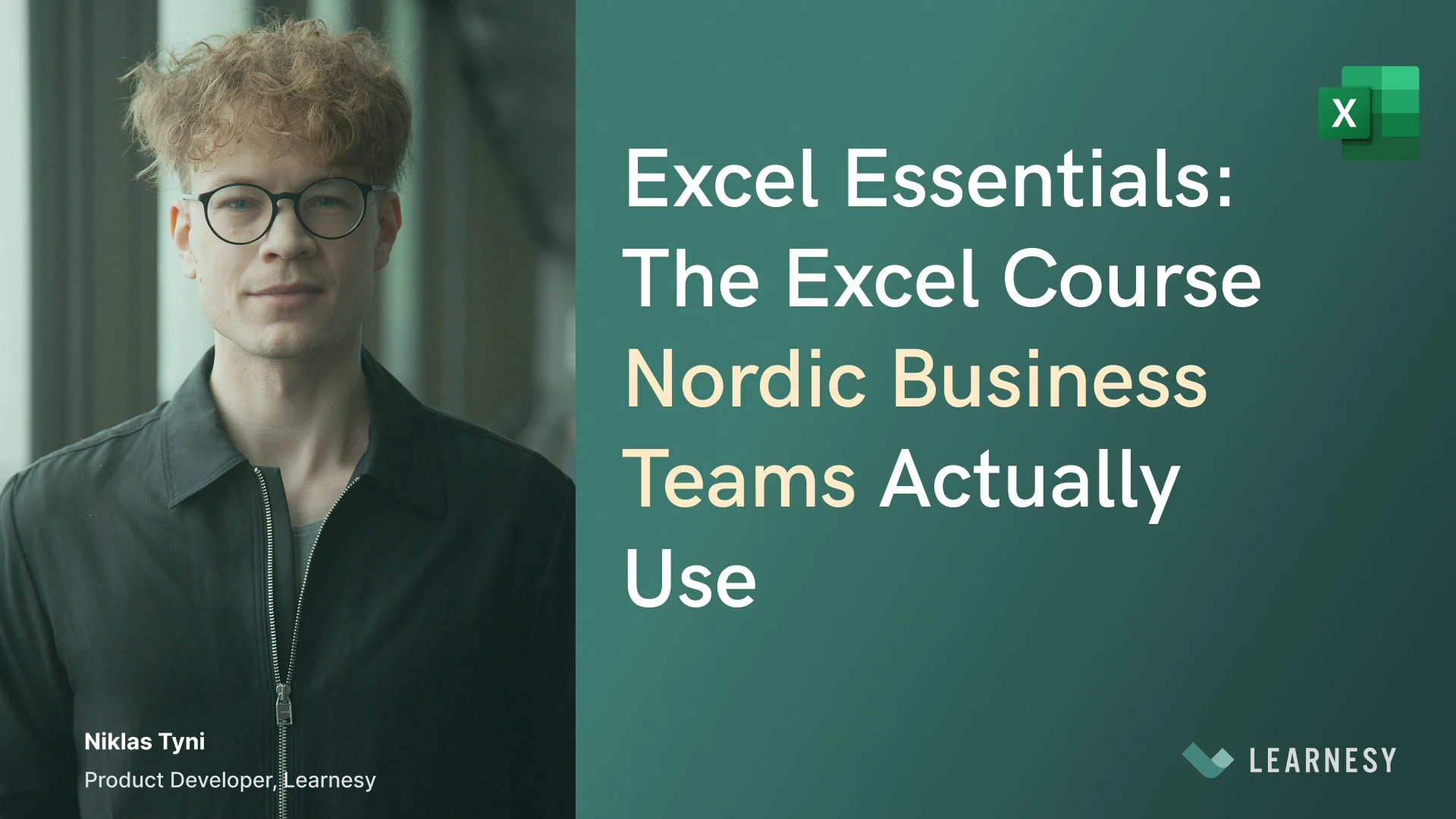
Excel Essentials: The Excel Course Nordic Business Teams Actually Use
Most Excel courses are built for individuals who want to improve their own skills.
Excel Essentials is built for HR managers and team leads who need to bring a whole team to a consistent Excel foundation. It is managed centrally, delivered in Swedish and Norwegian, and built around the everyday spreadsheet work Nordic business teams actually do.
That is the difference. Excel Essentials is not a generic course library. It is the starting point for a managed team skills rollout.
Why Nordic Business Teams Choose Excel Essentials
There are plenty of Excel courses available in Sweden and Norway. Generic video libraries. English-language global platforms. Classroom sessions with fixed schedules.
Many of them are built for individual learners, broad course libraries, or scheduled classroom training. Excel Essentials is built for managed team rollouts. Here’s what that means in practice.
Built Natively in Swedish and Norwegian
Excel Essentials is delivered in Swedish and Norwegian. The Swedish course is Excelkurs Bas. The Norwegian course is Excel Basis.
These are not translations of an English course. The content, the scenarios, and the language are built from the ground up for the way work happens in Nordic professional environments.
Managed by HR, Not Left to Individuals
Every team rollout includes an HR admin dashboard with completion tracking, individual progress visibility, and centralised licence management.
You can see who has finished, who is behind, and where the gaps still are. You are running a managed programme, not hoping people log in.
Supported by a Dedicated Customer Success Manager
Every rollout includes a dedicated Customer Success Manager. Not a support ticket. A named person who is with the account from the kickoff meeting through to completion.
They help you structure the rollout, track progress with you, and flag where additional support is needed.
Available Immediately, Without Fixed Course Dates
Excel Essentials starts immediately. No fixed schedules. No waiting for the next cohort.
Your team gets access and starts on day one. Self-paced lessons fit around the actual job, not the other way around.
Built on Twelve Years of Nordic Team Training
Learnesy has been building Excel and data skills for teams in Sweden and Norway for twelve years.
The content is built around what actually transfers to real work, tested across procurement departments, logistics teams, HR functions, and finance teams across both markets.
What Excel Essentials Covers for Teams
The course is built around the skills that matter most in operational work. Not a comprehensive walkthrough of every Excel feature. The foundation that makes everything else reliable, including the AI tools your team is already using or about to use.
Data structuring
How to organise data correctly so that analysis on top of it can be trusted. Consistent headers, one data type per column, no merged cells, no totals mixed into raw data. This is the single skill most teams have never been formally taught and the one that determines whether everything else works.
PivotTables for operational reporting
How to build and read PivotTables for the kind of summarisation that operational teams do every week. Built around real reporting scenarios, not abstract exercises. The skill that removes the dependency on the one person who figures these out and makes the whole team capable.
Formula literacy
How to read a formula and understand what it is doing. How to write the formulas that show up most in real professional work. How to check whether an AI-generated formula is doing what it is supposed to do. This is the check layer that makes Copilot safe to use rather than just fast.
AI and Copilot in Excel
How AI tools fit into practical Excel work. Which tasks Copilot genuinely helps with. How to prompt it clearly. How to verify the outputs. How to structure your data so AI tools work reliably on top of it. Built into the course, not added as an afterthought.
What Happens After Excel Essentials?
Excel Essentials is the foundation, not the ceiling.
Once your team has built the foundational skills, the natural next steps are data analysis, Power BI, Microsoft Copilot, and workplace automation. Learnesy offers the full progression path, built in sequence so skills compound as the team moves forward.
HR managers can map the entire development journey from foundational Excel to advanced AI-assisted workflows, managed from the same admin dashboard throughout.
The progression is not a separate decision at every step. It is a continuous managed programme that develops alongside the team.
How Other Nordic Teams Have Used Excel Essentials
The teams that get the most from Excel Essentials are the ones where the HR manager or team lead treats it as a managed programme rather than an optional resource.
They use the kickoff meeting to set expectations with the team. They track completion through the admin dashboard and follow up where progress has stalled. They use the CSM as a genuine partner in the rollout rather than a support contact of last resort.
The outcomes those teams see are consistent. More uniform data practices across the department. Fewer errors in the analysis that feeds decisions. Less dependency on one or two Excel-confident people. Higher reliability from AI tools because the data foundation is now consistent.
And because the training is self-paced and short-lesson based, it happens alongside the actual job rather than pulling people away from it.
Who Excel Essentials Is Built For
Excel Essentials is the right fit if:
- Your team uses Excel regularly but has never had structured training.
- You are planning to roll out Copilot or have already introduced it.
- You need HR visibility into progress and completion.
- Your team works better in Swedish or Norwegian than in English.
- You want a practical Excel foundation before moving into Power BI, data analysis, or automation.
For teams already past the foundational level, Learnesy’s data analysis and Power BI paths are the natural next step from here.
Summary: Excel Essentials Is the Foundation Your Team’s AI Skills Are Built On
The teams getting the most from AI tools in Nordic workplaces right now are the ones that sorted out the Excel foundation first. Consistent data structure, PivotTable literacy, formula checking. The skills that make Copilot reliable rather than just fast.
Excel Essentials is that foundation. Built in Swedish and Norwegian. Managed by HR. Designed around real workplace scenarios. Supported by a dedicated CSM from day one.
Learnesy is the Excel training platform Nordic business teams actually use. Not adapted for them. Built for them.