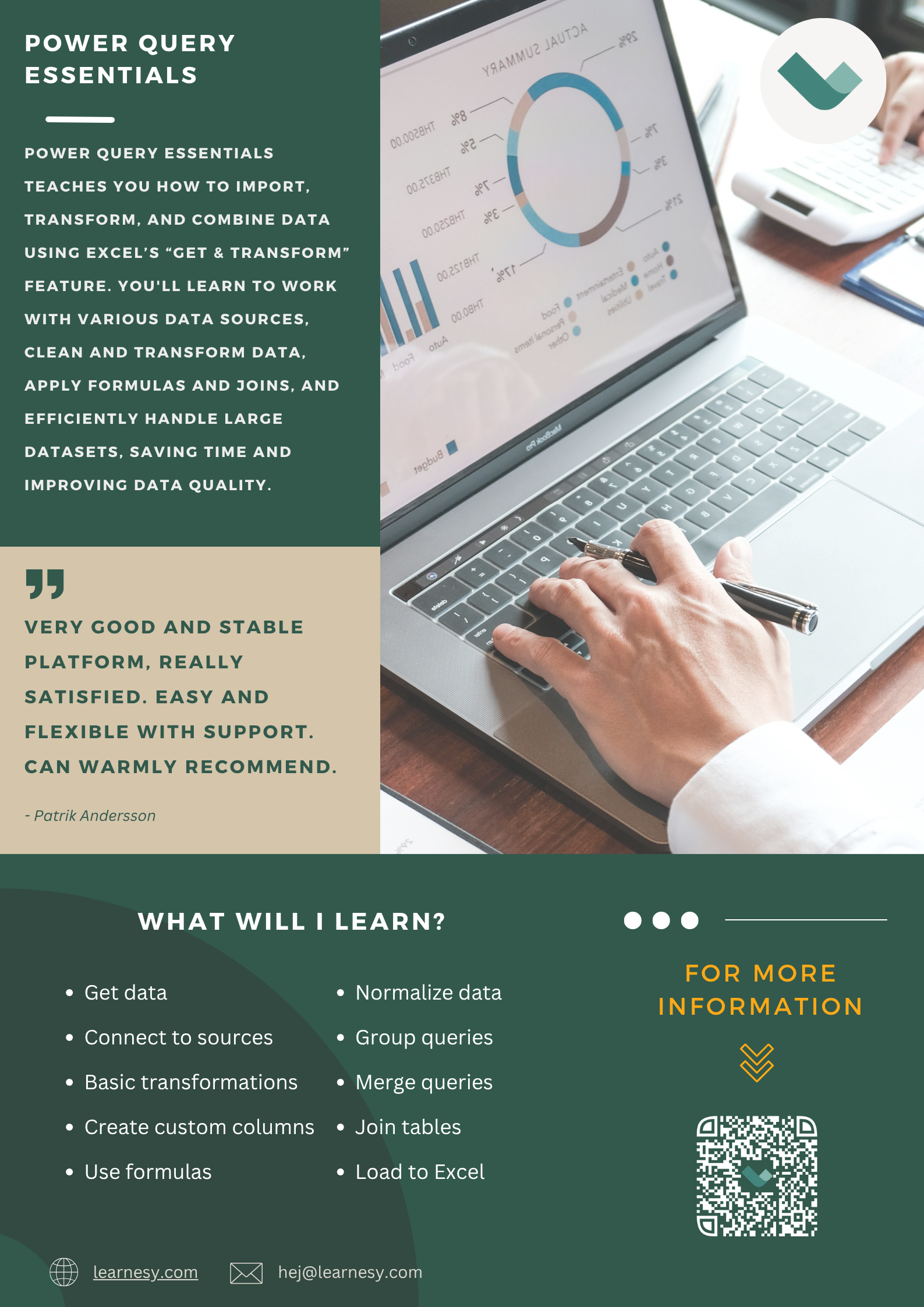
Learn how to pull and transform data with Power Query
Power Query – or Get & Transform – is Excel’s data preparation tool. Power Query is used to import, transform, combine, and load data. In this Power Query course, you will learn how to import data from multiple data sources, then transform and combine the datasets, and finally load the data into the desired format.
- Become the one who brings order to data
- Automate cleaning and reporting workflows in Excel
- Practice with real business data
- Used by companies and universities
Try some lessons in this course for free
Fill in your e-mail address and telephone and we will give you 7 days free access to some lessons in this course.


Try some lessons in this course for free
Fill in your e-mail address and telephone and we will give you 7 days free access to some lessons in this course.
Some of the things you will learn in this course:

Power Query Basics
Learn how to retrieve or “Get” data from the many different available sources, such as Excel files, other local files, or real-time data from the internet.
Manage Data
Working with formulas, combining queries, and making connections (“Joins”) to combine data is Power Query’s livelihood. Learn to do all this and much more!

Transform and edit
Learn how to transform data to suit the way you display information and insights. After the course, you will be able to normalise and merge columns and queries to make your data more accessible.

Combine queries
“Joining” is used to combine data in many different ways, such as Inner Join, Left Join, and Full Outer Join!
A lesson from the course
In this lesson named Grouping data we learn how to use the command “Group by”. Grouping in Power Query is a powerful feature for aggregating, summarizing, and organizing data. This function allows you to group your data by one or more columns.
When you apply grouping, Power Query creates a summary table based on the selected columns. For each group, you can perform various aggregations like counting, summing, finding the average, maximum, or minimum values. This is particularly useful in data analysis tasks where you need to consolidate and compare subsets of data. The Grouping feature simplifies handling large datasets by segmenting them into manageable and meaningful groups, making it easier to analyze trends and patterns. The feature simplifies handling large datasets by segmenting them into manageable and meaningful groups, making it easier to analyze trends and patterns.
More about the course
Power Query, or “Get and Transform”, is Excel’s data management tool used, among other things, to import, process and combine data. Power Query gives us access to data from several different data sources. In this course we go through Power Query’s basic functions, and how we can apply them to different situations. After each lesson you’ll be asked to take a quiz to test your knowledge. Navigate further down to see which chapters and lessons are included in the course.
- 24 lessons divided into 6 chapters.
- Total video time: 42 minutes.
- Estimated time to take the course including quizzes: 2 hours.
- Average duration per lesson: 1 minute and 45 seconds.
- Personal shareable certificate after completing the course.

Invest in your knowledge
Educational scheme
- Access to all material 24/7 for 12 months
- Short lessons with practical examples
- Phone and email support in Swedish and English
- Study at your own pace, with no fixed schedule
- Courses that are maintained and updated
- Personal and digitally shareable diploma
Prices & Packages
Power Query Essentials (Single course)
3 495 kr
/year excl. VAT
Choose payment method
Secure payment with Stripe
Invoice • Card • Klarna • Apple pay
✔ Practical exercises and certificate
✔ 12 months of unlimited access
All courses (Incl. Power Query Essentials)
6 995 kr
/year excl. VAT
Choose payment method
Secure payment with Stripe
Invoice • Card • Klarna • Apple pay
*Compared to buying 20 individual courses.
For your team (Multiple users)
Quote
Free of charge
✔ Tailored for all skill levels
✔ Dedicated account for every user
✔ Multi-user discounts
✔ Dedicated Success Manager
Secure payment with
How Your Learnesy Course Works
At Learnesy, we believe that education should be accessible and straightforward. That’s why we’ve created a platform with you, the user, at the center. Within the platform, you can easily navigate in and between your online courses.
• My Account – here you’ll find your dashboard, where you can access both ongoing and completed courses. Your dashboard is the starting point for your learning journey.
• Get a glimpse of a Learnesy course – from your dashboard, you can easily click through to an ongoing or completed course.
• Favorite and share lessons – found a particularly useful segment or something you want to review again? You can save these by marking them as favorites. You can also share lessons with others who might benefit from them.
• Quizzes and practice exercises – practice makes perfect. Here, you put your theoretical knowledge into action. All quizzes, as well as all course content, can be repeated.
• Congratulations on your course diploma – upon completing a course, you’ll receive a personal, shareable diploma as proof of your new skills.
Have a question? You might find your answer here. If not, don’t hesitate to contact us.
FAQ
What does the Power Query Essentials course cover?
You’ll learn how to import, transform, merge, and manage large datasets using Power Query’s key features like JOINs, grouping, and data transformation—skills that can significantly increase your efficiency at work.
How is the course structured?
The course comprises 24 lessons across 6 chapters, with a mix of short video tutorials, quizzes, and practice files to reinforce your learning.
How long does it take to complete the course?
The estimated time to finish the course, including quizzes, is approximately 2 hours.
Do I get a certificate after completing the course?
Yes, you’ll receive a personal, shareable digital diploma upon completion.
Do you offer a free trial or preview?
Absolutely. You can access select lessons free for 7 days.
Can I get a group or business package?
Yes, we offer group discounts and customized packages—just reach out to our team for a tailored offer.
Is this course included in All Courses?
Yes, all our courses are included in the All Courses package. This means you get access to this course together with the entire Learnesy course catalog.
Who can I contact if I have further questions or need assistance?
For support or general inquiries, feel free to email us at support@learnesy.com.
Related courses

The leading provider of digital excel courses in the nordics
Trusted by leading universities, companies, government agencies, schools, and professionals throughout the Nordics.